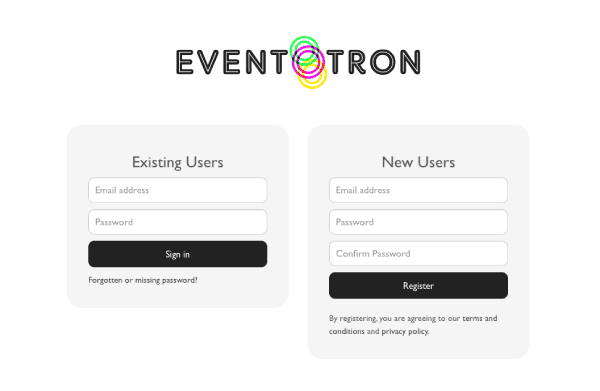
If you do not have login in credentials, go to the ‘New Users’ section on the right-hand side of the screen.
Keep a record of your login and password. You will return to Eventotron to learn if you are accepted to the Festival, and it is where you will gain access to all digital information pertaining to your participation.
You will also be receiving emails from Eventotron. Please be sure to check your junk/spam folders once you have submitted your application.
Application Period: January 31 February 18. Acceptance Emails sent to Participants March 18.
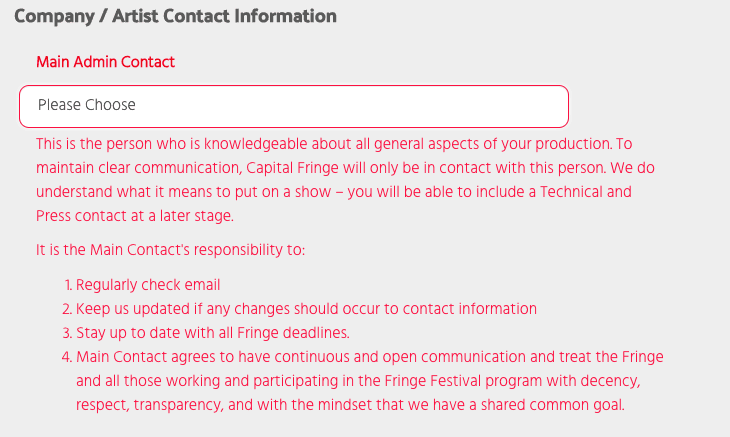
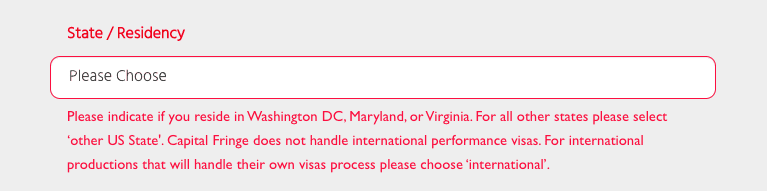
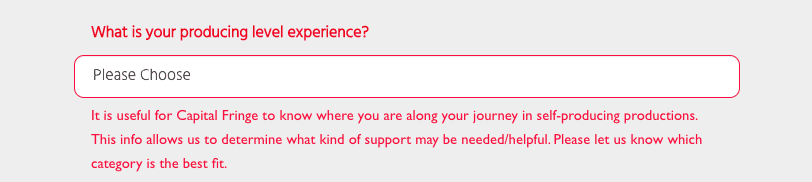
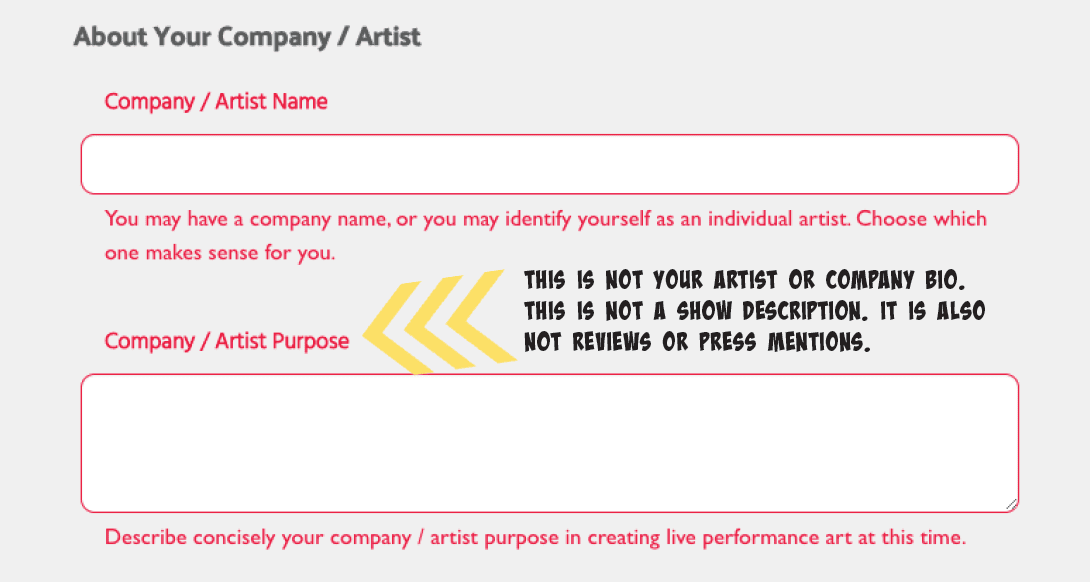
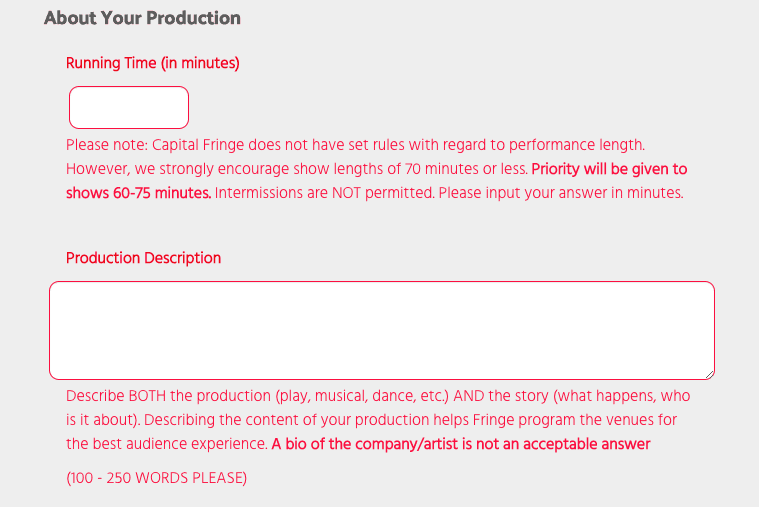
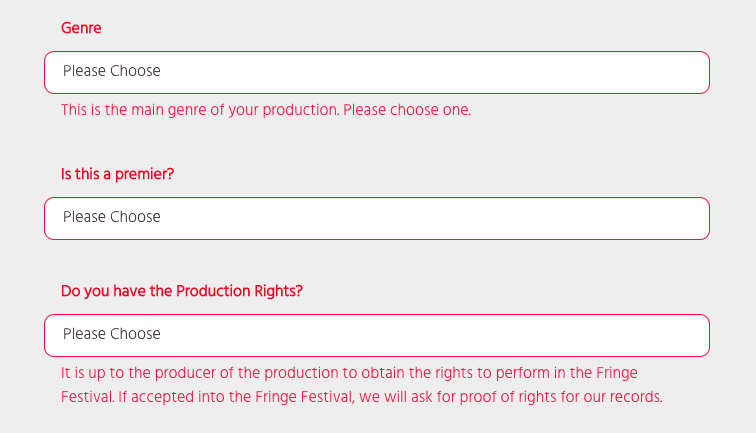
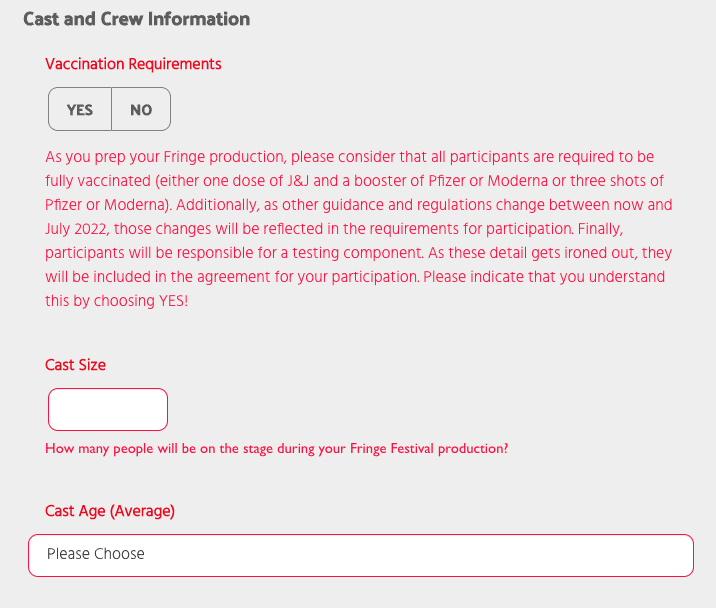
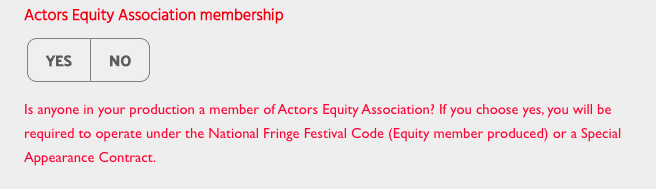
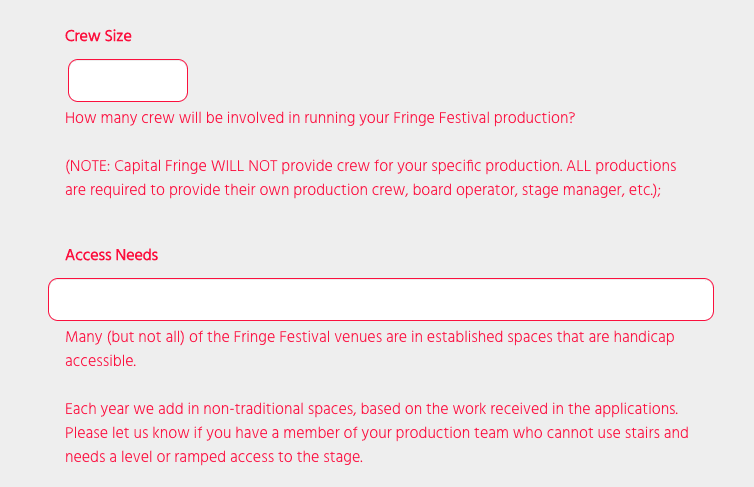
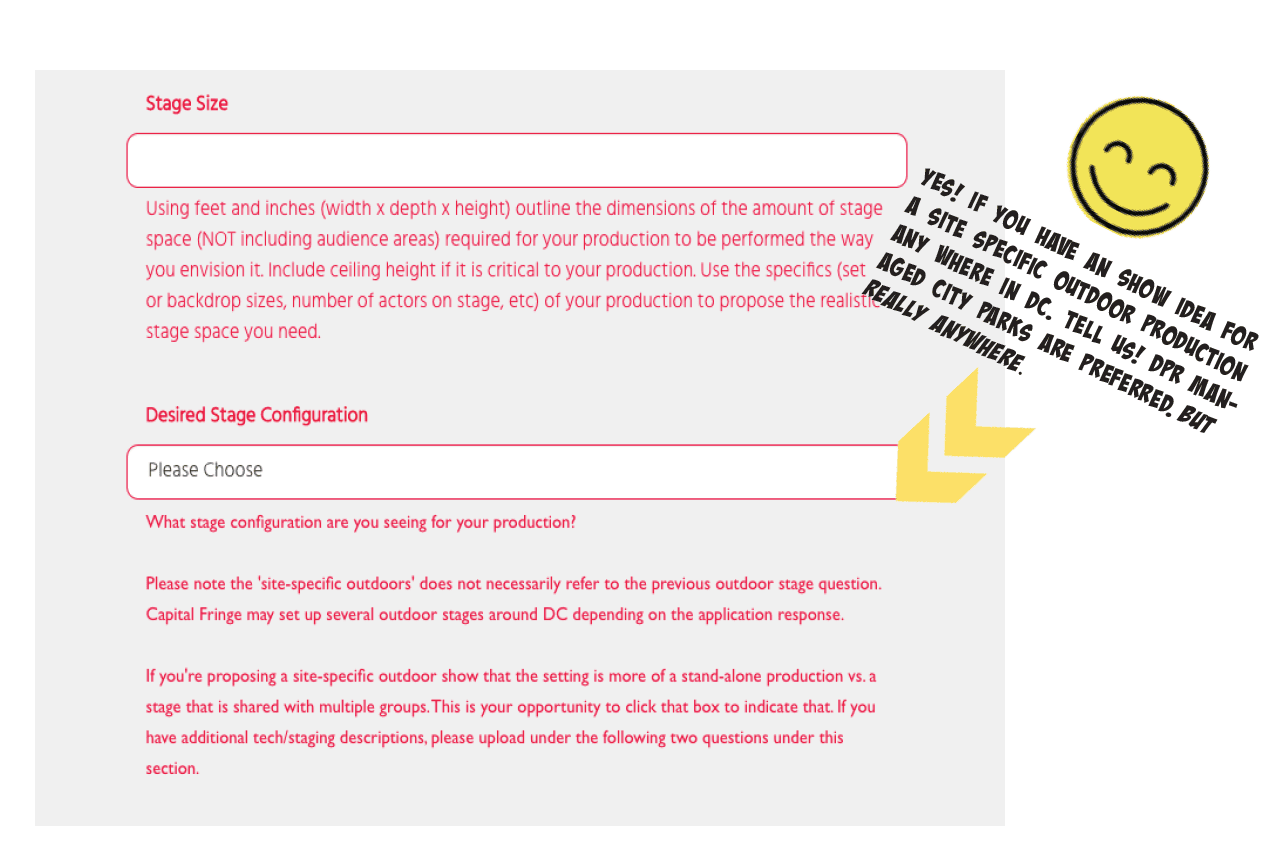
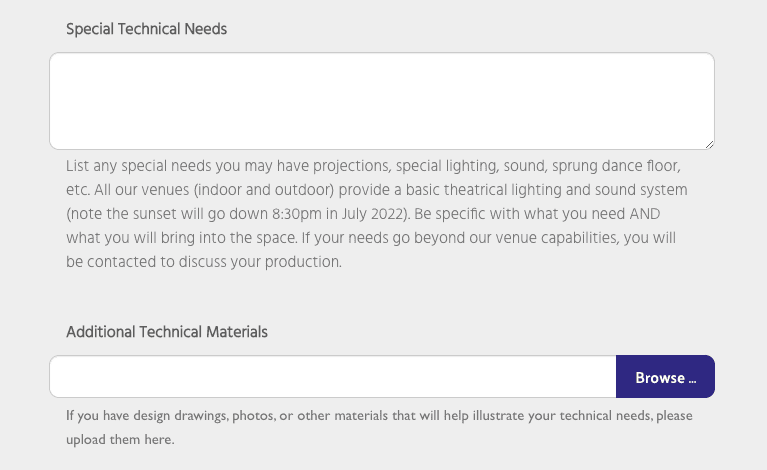
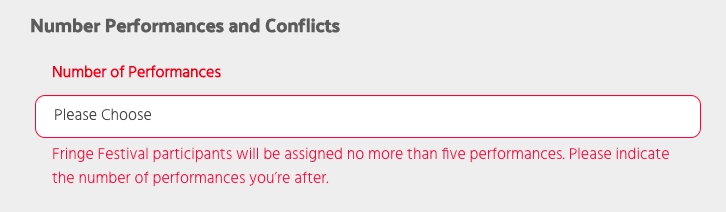
The remaining pages of this guide are screenshots of the questions you’re required to answer as part of the 2022 application. There are prompts written next to several questions.
You’re strongly encouraged to read all content provided within the guide.
The questions that appear red are required for completion. There are a couple that are voluntary. We ask that you not add additional text copy or upload unrelated documents to this section. If you strongly feel you have additional material that is vital to support your application, don’t hold back! Just send it via email!! We ask that you reference your show title or company/artist name from your application submission in the subject line.
This is a difficult time to produce and present theatre and live performance – and we are here to make it happen as a community! Things are fluid! Let’s have open communication and make the Festival happen!
If you have any questions during the application period, do not hesitate to reach out via email. We can either schedule a phone call or ZOOM.
Step 1
Select “All Festivals & Seasons” under Festivals & Seasons.
Step 2
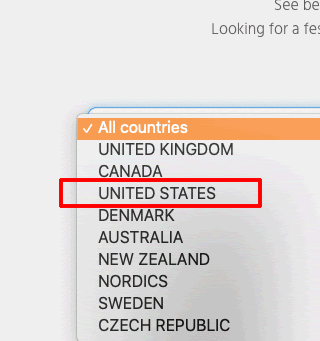
Select “United States”.
Step 3
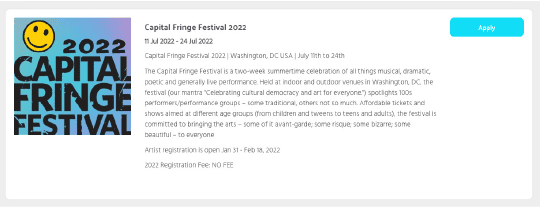
Click on the “Apply ” button.
Step 4
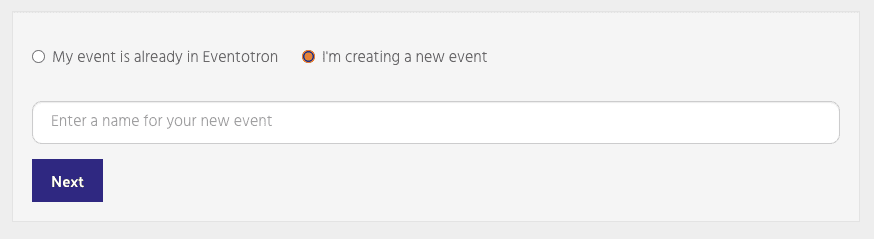
Select “I’m creating a new event”, enter a name for your event and click on the “Next” button.